
What You'll See In This Article
I like a tidy living room, but a router with blinking lights and loose cords can feel out of place. The good news is that you have plenty of ways to help it blend into your home decor. I look for a setup that leaves room for ventilation, cables, and antennas before worrying about how well it hides the equipment. Since any cover or location change can affect coverage, I would check the connection before calling the project finished.
Before You Hide Your Wi-Fi Router
Before choosing a cover, I would check these five things:
- Ventilation: Leave every vent uncovered and follow the clearance instructions for your router’s model.
- Materials: Openings may help airflow, but they do not prove that an enclosure will preserve Wi-Fi coverage, especially if it contains metal.
- Accessibility: I prefer a setup that lets me reach the cables, buttons, and lights without taking the whole display apart.
- Antenna position: Follow your router’s instructions rather than folding its antennas down just to squeeze it into a smaller space.
- Placement: Choose a location that works for coverage first, then find a decorative solution that fits there.
10 Practical Ways to Hide Your Wi-Fi Router
1. Behind Hinged Wall Art
At first glance, this looks like framed wall art, which is exactly why I like it. The picture swings open to reveal a shallow cabinet, keeping the router out of sight while leaving it easy to reach.
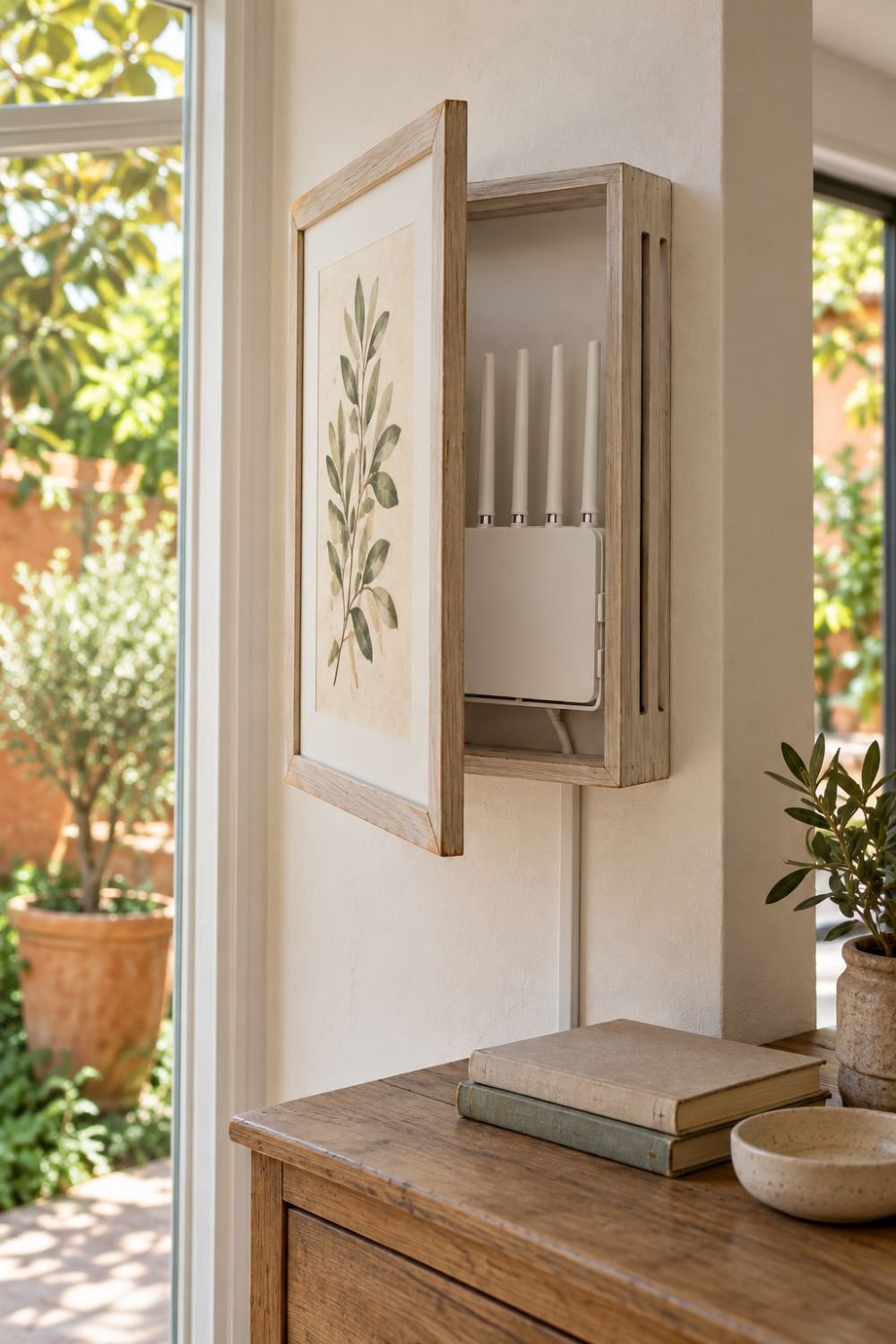
For a similar setup, I would choose a cabinet with side ventilation slots and enough clearance for the router’s vents, cables, and antennas. I would also check the router’s mounting instructions and run the cord through a slim raceway that blends with the wall. Before leaving the cover closed, compare Wi-Fi performance with it open and shut, and make sure the enclosure meets the equipment’s ventilation requirements.
2. Behind a Photo Frame
That family photo on the shelf could do a little extra work. Place a freestanding frame in front of the router to hide it from the main viewing angle while leaving the surrounding space open. Before choosing a frame, I would measure the equipment with its cables connected and antennas in their proper position.
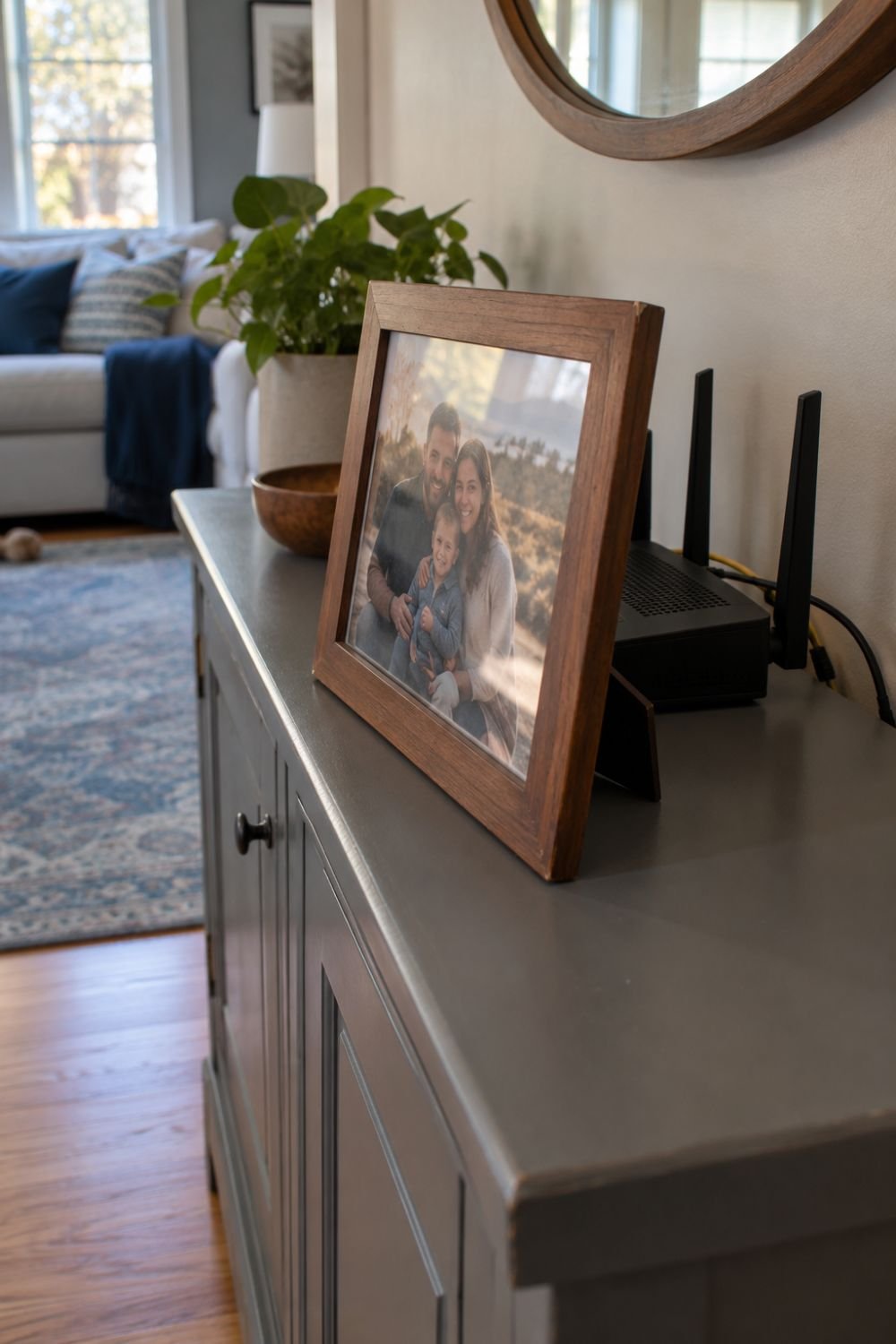
The frame needs to stand securely without leaning against the router or covering its vents. I would also check the setup from the side to make sure I can still reach the buttons and cords.
3. Behind Your TV
The entertainment area is a tempting hiding spot because it already has cables and electronics. I would approach this option carefully, since the TV and nearby metal hardware can obstruct the signal. There is a difference between pressing the router against the back of the screen and placing it on a separate open shelf farther behind the setup.
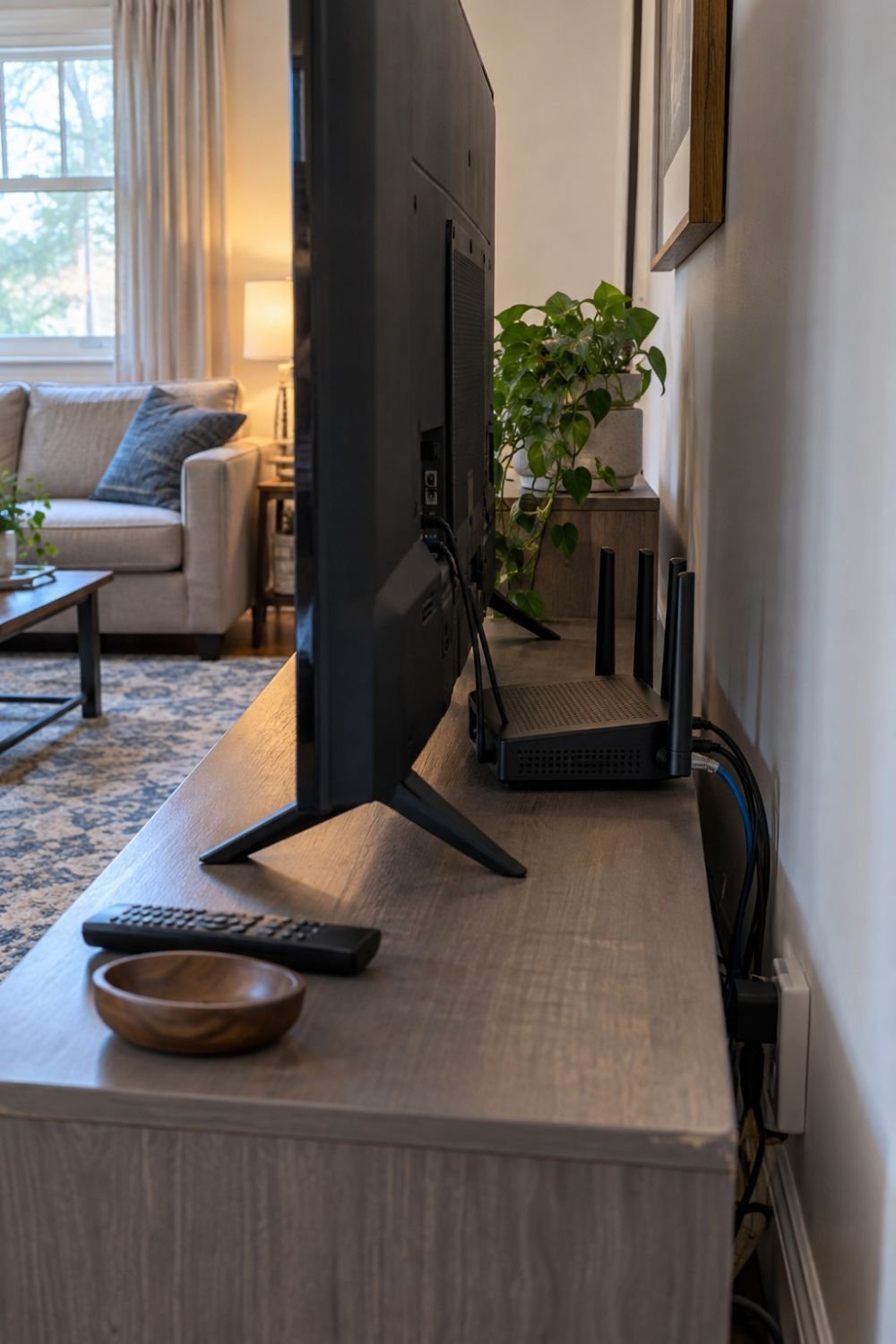
If I tried the second arrangement, I would leave the router’s vents clear and avoid stacking it with other electronics. Then I would test coverage in the rooms beyond the TV, since a good connection on the couch does not tell the whole story.
4. On a Shelf
Sometimes, a router only needs a better backdrop. I like the idea of placing it among a few books and decorative pieces so it draws less attention without needing a full cover. Leave space around the equipment instead of squeezing it tightly between books.
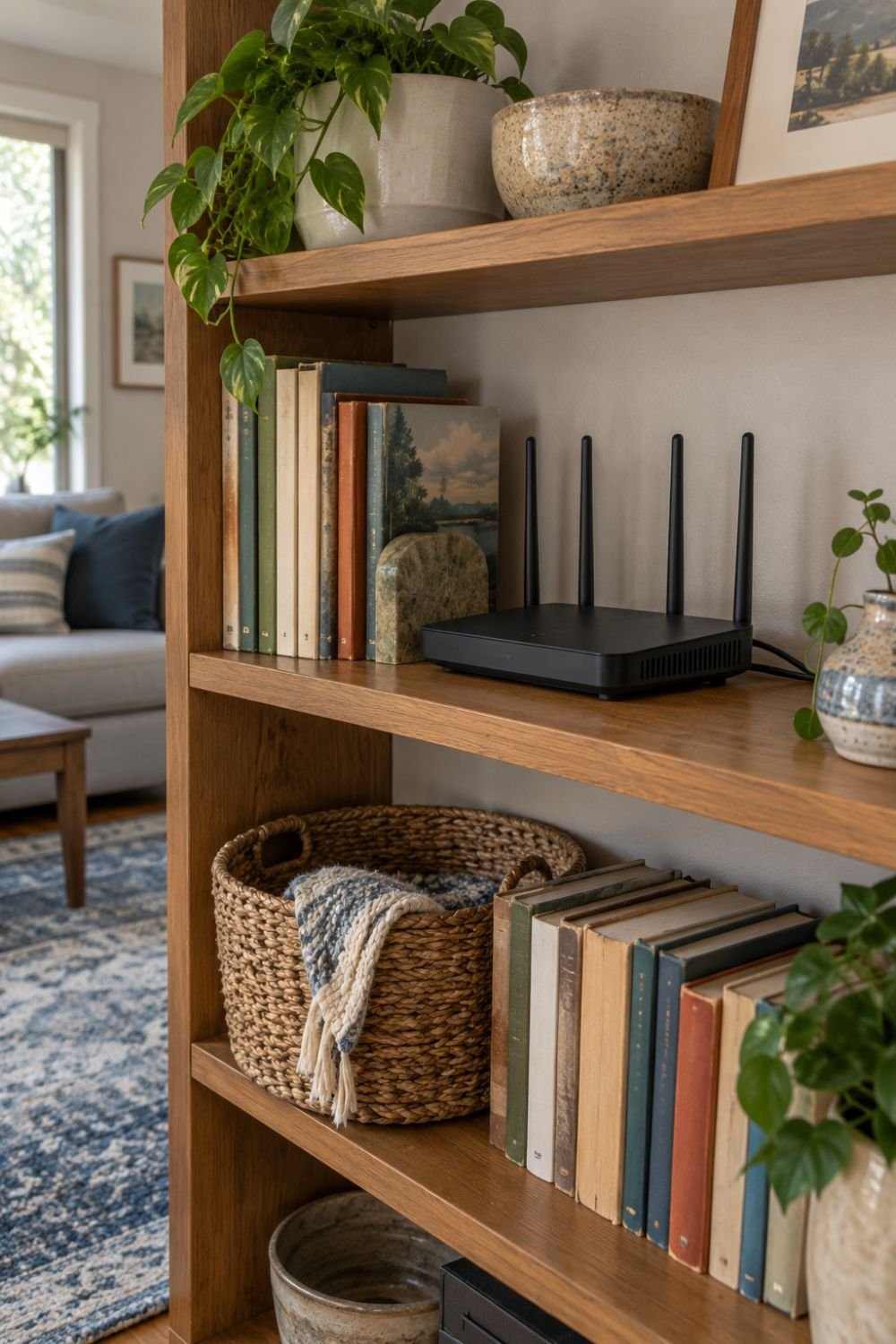
Reusable cable ties can gather the loose cords behind the shelf while keeping the plugs accessible. A nearby plant can soften the display, but I would move it elsewhere for watering and keep its pot away from the equipment.
5. Behind a Faux Stack of Books
A faux book cover is one of the hidden storage ideas I would consider for a bookshelf or reading nook. For a simple DIY version, measure the router and make a freestanding front screen from lightweight craft board decorated to look like book spines. Leave the back and top open, with enough room for cables and antennas.

Make the cover easy to lift away so you can inspect the equipment without pulling on the wires. I would avoid turning it into a tight book-shaped box, especially if the router has vents along its sides or top.
6. In a Basket
An open-weave basket can help the router blend with the rest of a room. When choosing one, I would check its inside dimensions and look for a fabric liner that could block the openings. The equipment should fit with the clearance its manufacturer requires, rather than just barely fitting inside.
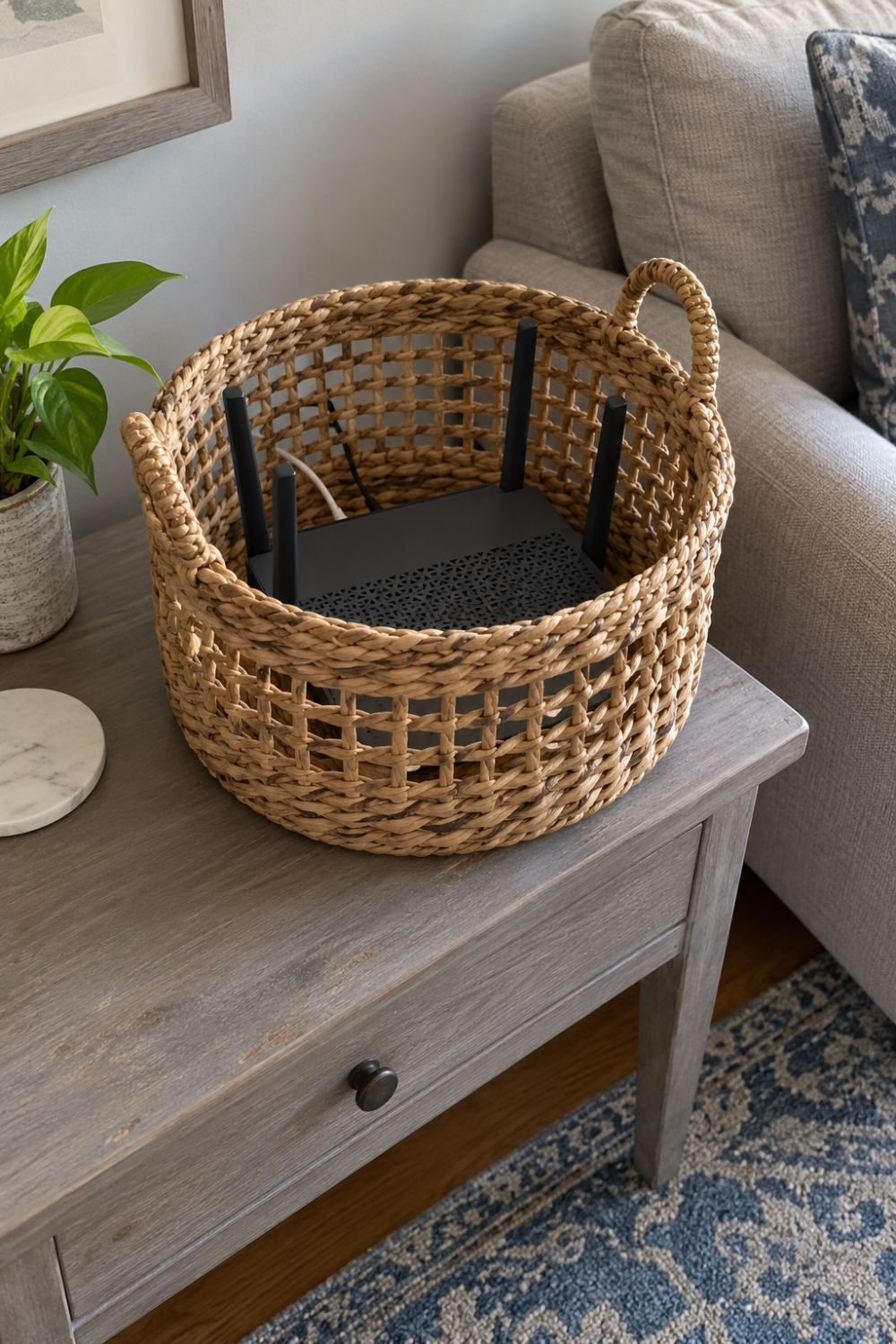
An open top makes access simple, while a removable lid needs a closer check for clearance and airflow. I would not assume the weave alone provides enough cooling, and I would keep loose cords away from the device’s vents.
7. In a Cable-Organizer Box
A cable-organizer box can look neat beside a desk or entertainment center. Before buying one, I would check the usable interior space, ventilation openings, cable exits, and how easily the lid comes off. A product meant to conceal loose cords or a power strip is not automatically suitable for housing an operating router.
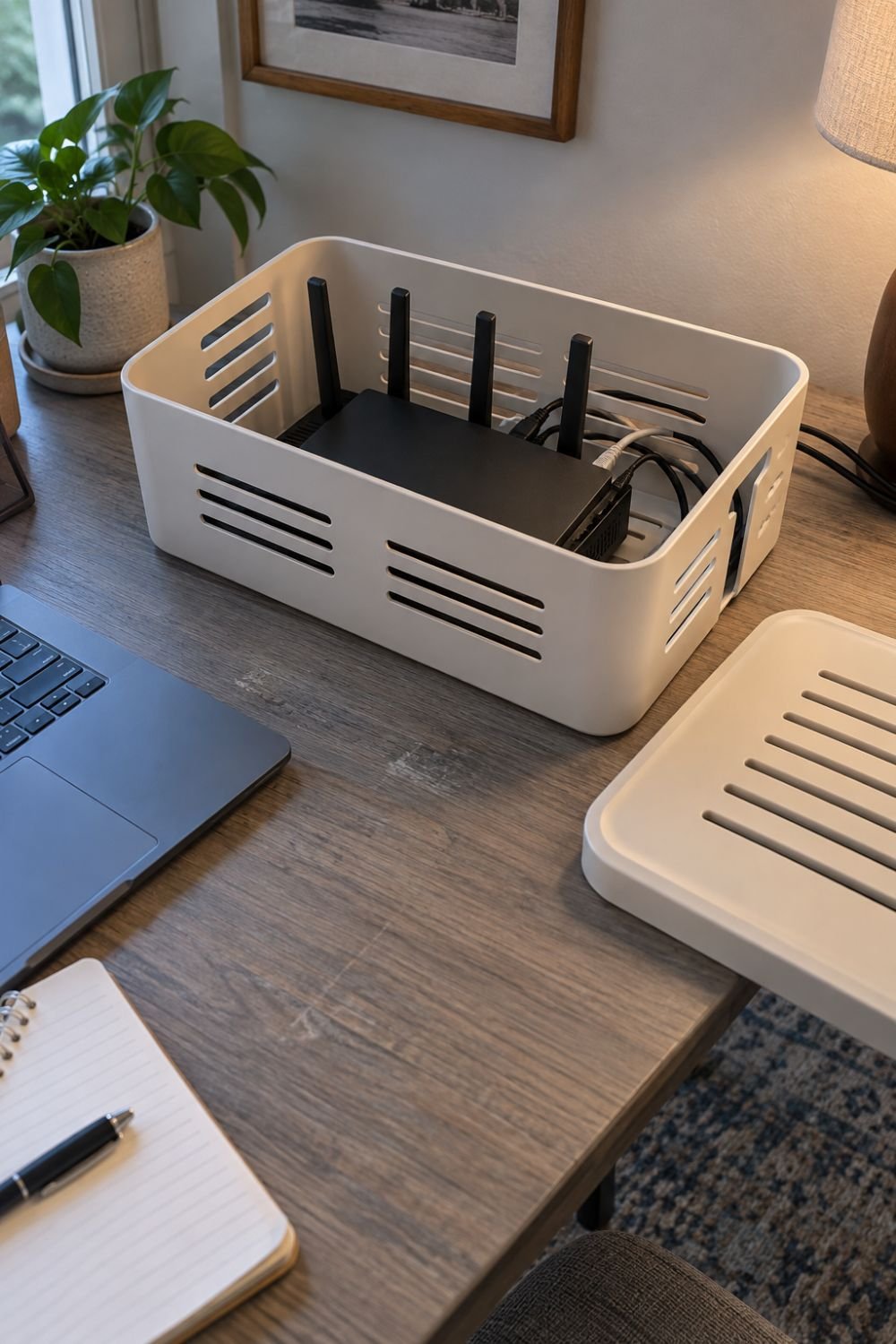
If the box is suitable for the equipment and its instructions allow it, arrange the router without blocking its vents or packing accessories around it. I would leave the connectors easy to reach and compare coverage with the box open and closed.
8. In a Metal-Cut Box
A metal-cut box can suit a room with an industrial style, but it comes with an important tradeoff. Its cutouts may allow air to pass through, while the remaining metal can still interfere with Wi-Fi coverage. I would check whether the enclosure is intended for wireless equipment instead of choosing it only for its appearance.

Before settling on it, compare the uncovered router with the enclosed router in the same location and test several rooms. If the connection becomes consistently worse, I would use that particular box for cable storage and choose another cover for the router.
9. In a Cabinet
Cabinets offer more space, but the whole piece of furniture matters. A cane-front door or open back may leave more openings than a solid cabinet, yet neither guarantees good coverage or enough airflow. I would inspect the sides, back, shelf space, and door before placing equipment inside.
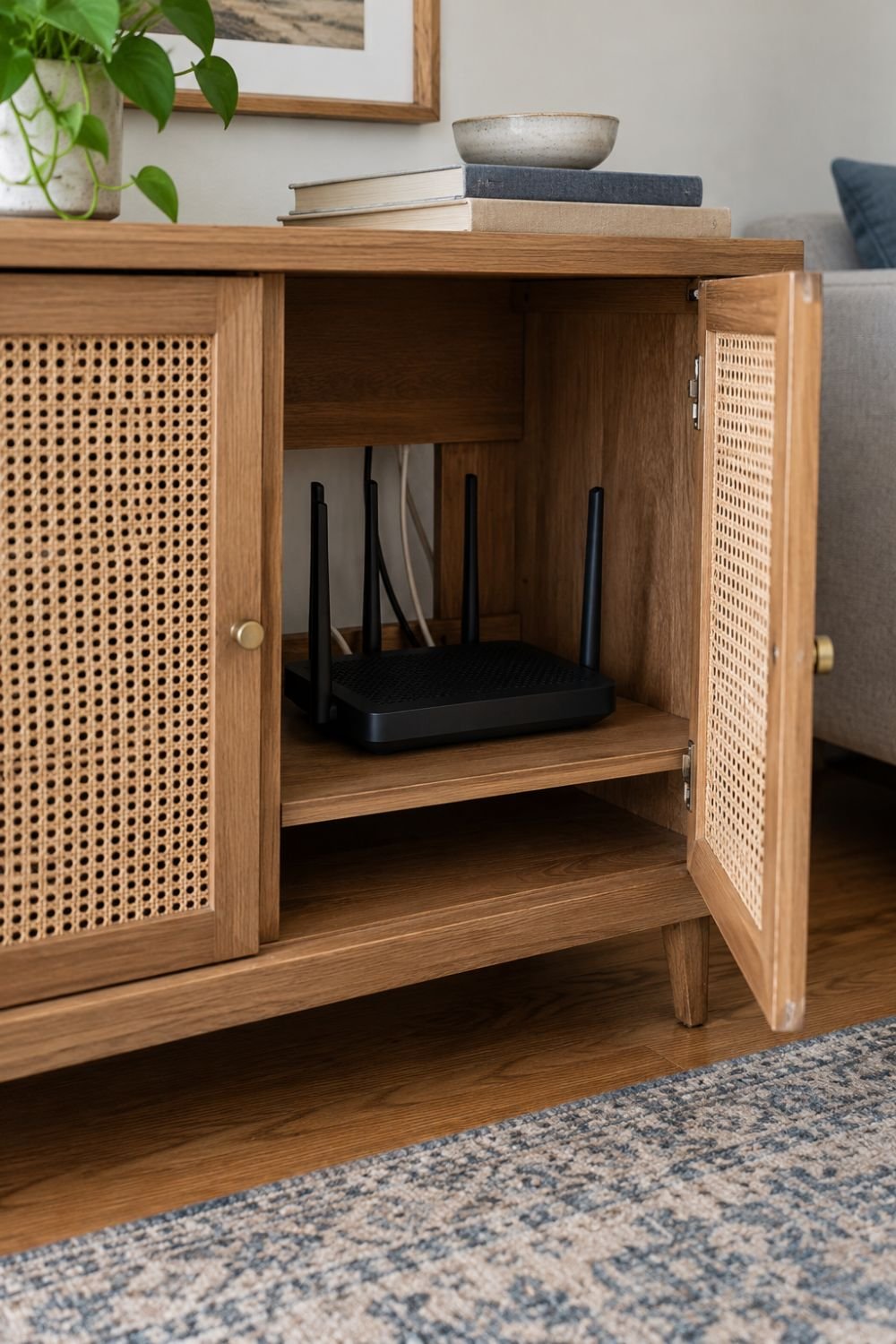
Test the connection with the door open and closed, and check the setup during normal use against the equipment’s ventilation instructions. Whether the cabinet comes from IKEA or another store, I would judge its construction rather than assume it is suitable because of its style.
10. Inside a Decorative Faux Planter or Plant Stand
A faux planter with a hollow, open-sided base is a decorating idea I would happily consider for a living room. The arrangement in the reference photo shows the concept well: a woven stand conceals equipment underneath a decorative plant display. Choose a roomy base with generous side openings, no solid liner blocking them, and a removable top or rear opening for access.

I would keep artificial leaves, foam, fabric, and other filler out of the equipment space, route the cords without pinching them, and keep water and soil away. Because the pictured stand sits on the floor in a corner, I would check coverage carefully and consider an elevated version if that location weakens the connection.
How to Check Your Wi-Fi After Hiding the Router
Before adding a cover, I would use the same phone or laptop to run several speed tests in the rooms where I normally need Wi-Fi. Repeat those tests with the cover in place, keeping the router, device, and test locations the same as much as possible. Compare several results rather than treating one slower reading as proof of a problem.
I would also try everyday activities, such as a video call or streaming, and watch for connection drops. If you move the router as well, test that change separately so you can tell whether the location or the cover made the difference.
Best Place to Put a Wi-Fi Router in Your House
I would start with an open, elevated spot near the center of the areas where Wi-Fi gets used most. A shelf or table is a better starting point than a floor-level corner, and nearby walls, large furniture, and metal objects deserve attention. In a kitchen, I would also consider nearby appliances, heat, and the chance of spills before choosing a spot.
If the internet connection enters the house in an awkward location, a separate router may be able to connect to the modem through a longer Ethernet cable, depending on the equipment’s setup instructions. For a combined modem-router unit, I would check with the provider about relocation or using a separate router rather than assuming the same arrangement applies.
Frequently Asked Questions
Can I hide my router and modem together?
I would consider a shared enclosure only if both devices’ instructions allow the arrangement, with the required spacing, clear vents, and accessible connections.
Can I put a router inside a fake planter?
A hollow faux planter may work if it provides the required clearance and airflow, keeps filler and moisture away, and passes a before-and-after coverage check.
Can I close the basket lid or cabinet door?
I would close it only after checking that the arrangement still meets the equipment’s ventilation requirements and does not cause a repeatable drop in coverage.
How much ventilation does a router need?
The required clearance depends on the model, so I would use its manual rather than rely on one measurement for every router.
Can I hide a mesh Wi-Fi node?
Any cover should be checked against the node’s instructions, and I would test both nearby coverage and the connection between nodes after changing its setup.
What should I check if the connection gets worse?
Remove the cover first, compare performance again, and then check any changes to location, antenna position, or nearby obstructions one at a time.
Wrapping It Up
I like router-hiding ideas that make a room feel tidier while keeping the equipment easy to reach. A frame, woven basket, or decorative plant stand can each suit a different space. Choose the location first, follow the equipment’s ventilation instructions, and make sure the cover leaves room for cables and antennas. I would finish with a coverage check so the new arrangement looks good and still supports everyday use.